Grubhub for Campus offers several hardware options in order to provide the most seamless integration into venue operations, including high traffic locations. Your Grubhub for Campus deployment manager will discuss the various hardware options with you and provide recommendations best suited for each venue.
Sticky/Cloud Printer:
A cloud printer can work alone as the most basic Grubhub for Campus setup in a venue. The printer is placed where food prep begins and prints tickets as orders execute. Customer wait times and notifications are based on predetermined order prep and throttle times. This solution is the most basic option and not recommended for high volume locations, complicated operations, or optimal customer experience.
Notes:
- Kitchens can utilize multiple printers and item-routing in order to direct items to the station where they are prepped.
- You can learn more about advanced order efficiency settings for busier here.
Active Cashier:
The Active Cashier is an iPad-based application placed where food handoff occurs and is most commonly deployed alongside a Grubhub for Campus printer placed where food prep beings. This solution allows operators to manage incoming orders, notify customers when their item is ready, and manage menus in real-time.
See more detailed descriptions of the Grubhub for Campus hardware options here, Grubhub Hardware Overview.
Kitchen Display System:
Instead of utilizing paper tickets to prep food items, the Grubhub KDS can be used instead. The product will allow a screen to be placed at each prep station and components of an order to be routing to the correct stations where they are prepped. We recommend utilizing an expeditor KDS station to assemble components and pass off the order and receipt to the customer. The expo KDS will notify the customer that the order is ready when it is bumped off, therefore the active cashier (iPad) is no longer needed at the pickup area.
- Note: KDS screens are strongly recommended for Grubhub Ultimate locations to fully optimize the kitchen for the digital ordering experience.
Grubhub for Campus Ultimate:
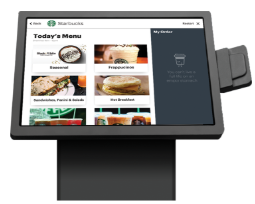
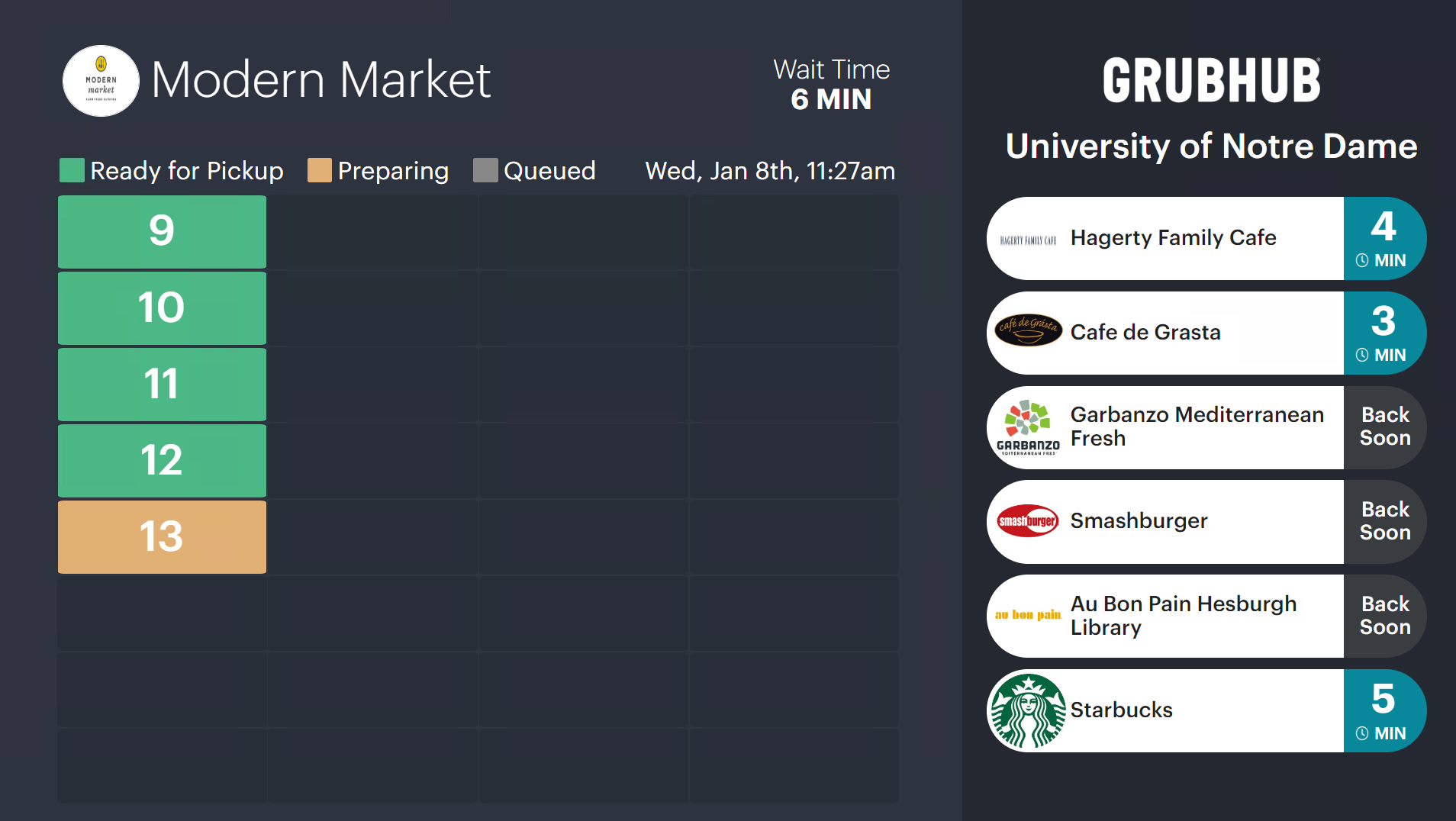
Grubhub for Campus Ultimate creates an omnichannel ordering experience through the use of a kiosk for walk-up orders and a Grubhub for Campus TV that displays the order status for both mobile and walk-up customers. By creating a centralized order stream, operators are able to operate more efficiently and the customer experience is improved with more accurate wait times. Additionally, Ultimate creates the potential for savings on labor on top of increased ticket sizes.
Let your Client Success Manager know if you're interested in Ultimate and read more about the product, here.